Android会记录你忽略的所有通知,附查看方法
DiebugAndroid keeps a log of every notification you dismissed — here’s how to find it
来源: makeuseof | 原文链接: https://www.makeuseof.com/android-keeps-log-every-notification-dismissed-heres-how-to-find-it/

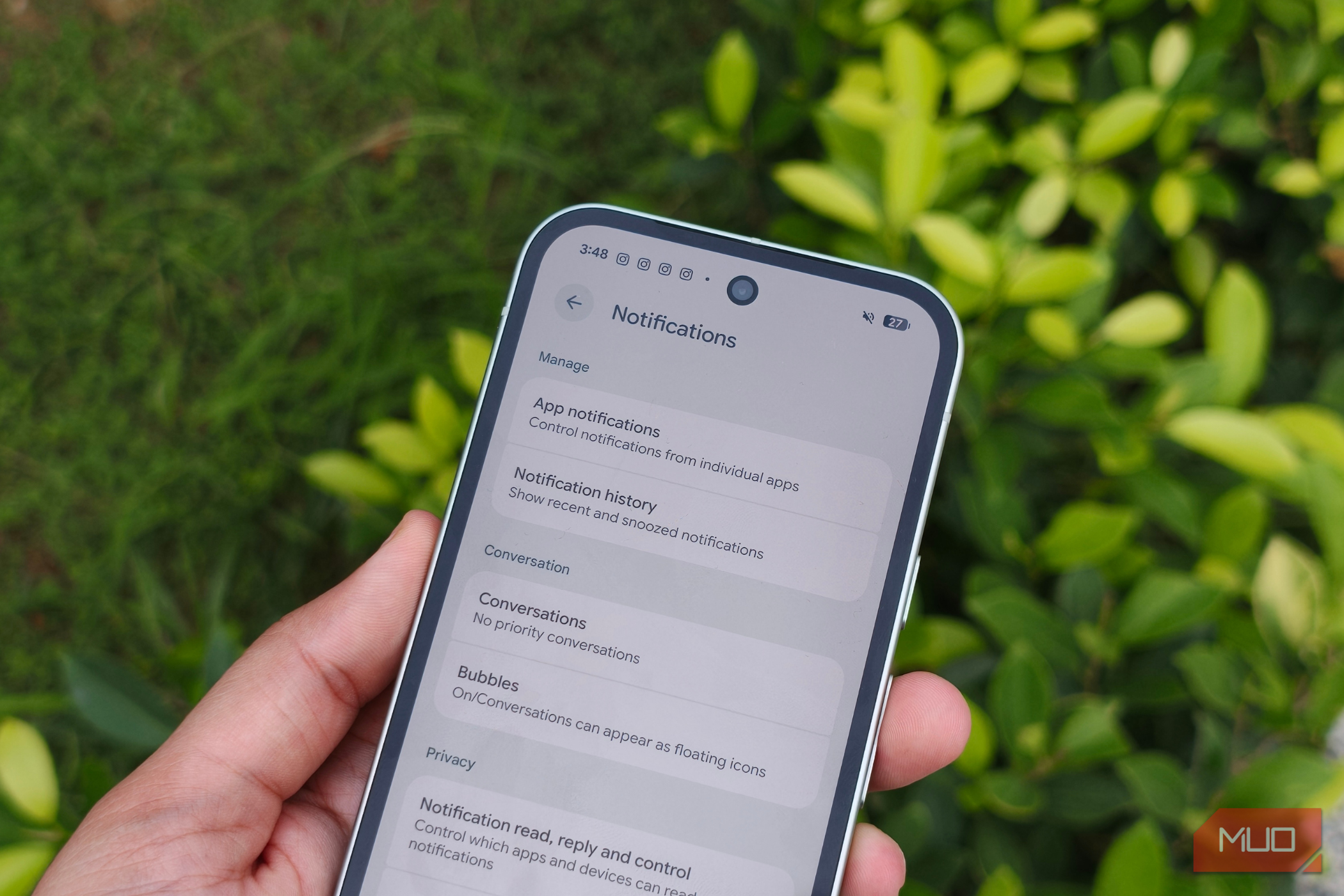
Android keeps a log of every notification you dismissed — here’s how to find it Shimul Sood / MakeUseOf By Shimul Sood Published Aug 18, 2026, 4:00 PM EDT Shimul studied pyschology as her major but never looked back at her degree once she graduated. She began her journey in college as a social media intern and eventually became a social media manager for publications like iGeeksBlog, Guiding Tech, and MySmartPrice, along with popular tech influencers like Rajiv Makhni. For the initial years of her career, she focused primarily on social media until she joined MySmartPrice, where she stepped into the world of consumer tech writing. That’s where her love for writing really took off, especially when it comes to the Apple ecosystem, Android smartphones, and finding clever tips and tricks that make everyday life easier. When she’s not reading or writing, you’ll probably find her cooking and making sure everyone tries her delicious food. Sign in to your MakeUseOf account Add Us Add on Google Preferred Source Google News Summary Generate a summary of this story Like Like follow Follow followed Followed Thread Log in Here is a fact-based summary of the story contents: Try something different: Show me the facts Explain it like I’m 5 Give me a lighthearted recap I have a terrible habit of doomscrolling, and one notification is all it takes to pull me in. So, I did the obvious thing: I turned off most of my notifications. It worked surprisingly well, but it created another problem. Without those constant pings, I sometimes miss notifications I actually care about. Thankfully, there’s a nice middle ground. I discovered that I can go back and see the notifications my phone received throughout the day, even if I dismissed them earlier. It means I can keep my phone relatively quiet without worrying that something important has slipped past me. If you’re trying to cut down on notifications without completely losing track of them, enabling this feature will definitely help you, too. Related I disabled Android’s app hibernation and got instant notifications back Android put background apps on a strict diet and accidentally starved their notifications. Posts By Oluwademilade Afolabi ## Your notifications aren’t gone; they’re just hiding ### Your 24-hour notification rewind button Shimul Sood / MakeUseOf This feature is called Notification History, and it’s built right into Android. Think of it as a second chance for your notifications. If you swipe something away too quickly, clear your entire notification panel without thinking, or always keep your phone on Do Not Disturb, you can jump into Notification History and find it again. I’ve found this especially useful because I don’t want my phone buzzing every few minutes. I can keep unnecessary notifications out of sight and then check everything in one place when I actually want to. For example, I might dismiss a delivery update while I’m working, clear a WhatsApp message without reading it properly, or swipe away a
翻译提示
本文已自动抓取,建议人工润色后发布。